# Apache Web Server Configuration
This section describes how to configure **Apache Web Server (Apache2)** for use with the ONEWEB Platform.\
Apache acts as a **reverse proxy and web entry point**, handling client HTTP requests and forwarding application traffic to the ONEWEB runtime.
***
#### Configuration Overview
To configure Apache Web Server for ONEWEB, the following high‑level tasks are required:
1. Configure Apache as a **reverse proxy**
2. Configure and enable a **VirtualHost**
3. Enable required **Apache modules**
4. Configure the **listening port**
5. Verify application access via **context root**
Each step is described below.
***
Step 1: Configure Apache Reverse Proxy
Apache must be configured as a **reverse proxy** to forward client requests to the ONEWEB application server.
* Create or update a **VirtualHost configuration file**
* Copy the VirtualHost file into the appropriate Apache configuration directory
The following diagram illustrates the reverse proxy setup:
***
#### Step 2: Enable and Disable VirtualHost
After configuring the VirtualHost, use Apache utilities to enable or disable the site.
**Disable a VirtualHost**
**Enable a VirtualHost**
After enabling the site, restart Apache to apply the changes.
**Restart Apache**
***
#### Step 3: Enable Required Apache Modules
ONEWEB requires several Apache modules to support proxying, load balancing, and request handling.
Enable the required modules using the `a2enmod` utility:
```
sudo a2enmod proxy
sudo a2enmod proxy_http
sudo a2enmod proxy_ajp
sudo a2enmod rewrite
sudo a2enmod deflate
sudo a2enmod headers
sudo a2enmod proxy_balancer
sudo a2enmod proxy_connect
sudo a2enmod proxy_html
```
After enabling modules, restart Apache to ensure all modules are loaded.
***
#### Step 4: Configure Apache Listening Port
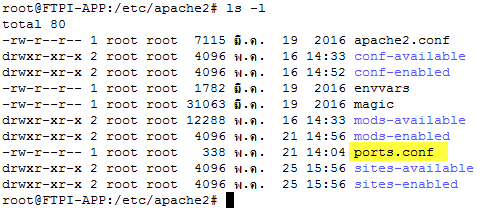
If a custom port is required, update Apache’s default listening port.
* Edit the Apache configuration file:
* **`ports.conf`**
* Change the default port to the required value
The following example shows a port configuration change:
***
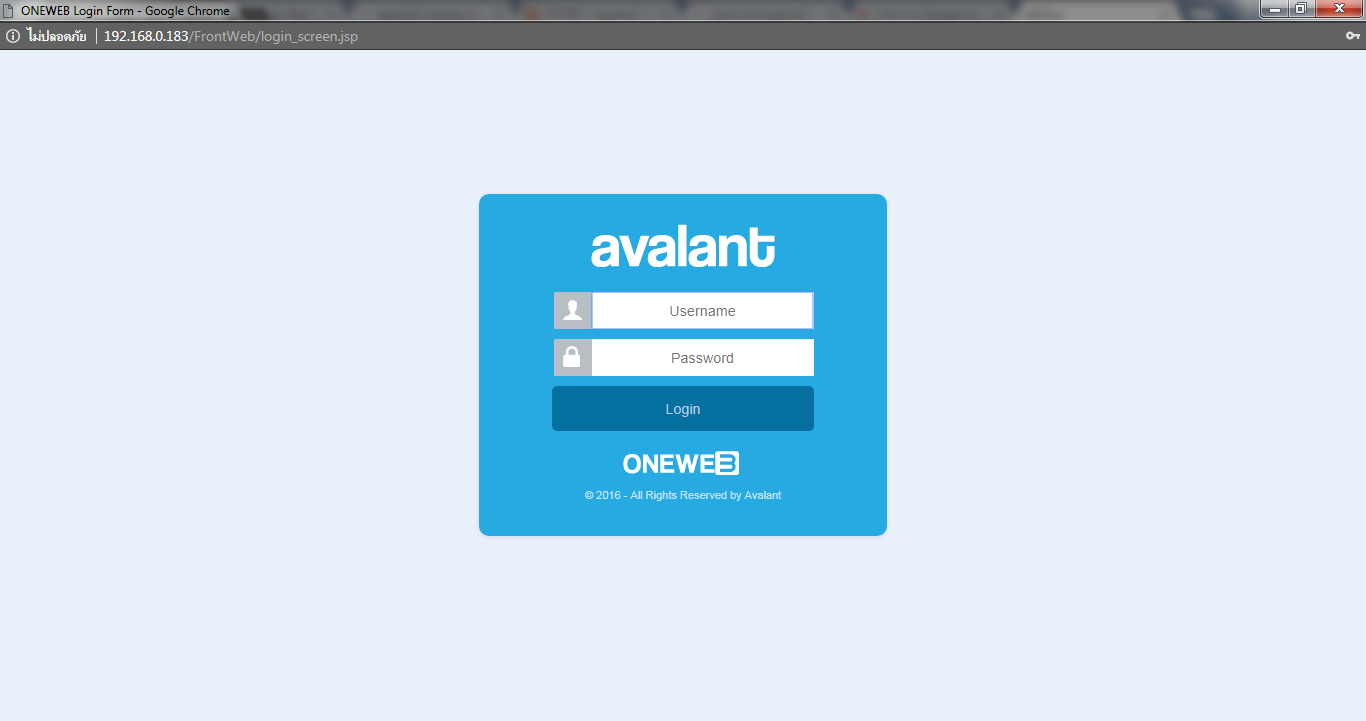
#### Step 5: Test Application Context Root
After completing the configuration:
* Access the application using the configured **context root**
* Verify that Apache successfully forwards requests to the ONEWEB application server
The following image illustrates a successful context root test:
***
#### Configuration Checklist
Before proceeding, confirm that:
* Apache reverse proxy is configured
* VirtualHost is enabled
* Required modules are loaded
* Apache is listening on the correct port
* Application context root is accessible
---
# Agent Instructions: Querying This Documentation
If you need additional information that is not directly available in this page, you can query the documentation dynamically by asking a question.
Perform an HTTP GET request on the current page URL with the `ask` query parameter:
```
GET https://docs.onewebstack.com/oneweb-platform-th/getting-started/platform-configuration/platform-components-overview-and-management/prepare-prerequisite-software/prepare-web-server/apache-web-server-configuration.md?ask=
```
The question should be specific, self-contained, and written in natural language.
The response will contain a direct answer to the question and relevant excerpts and sources from the documentation.
Use this mechanism when the answer is not explicitly present in the current page, you need clarification or additional context, or you want to retrieve related documentation sections.